vsux — Open-source macOS Editor
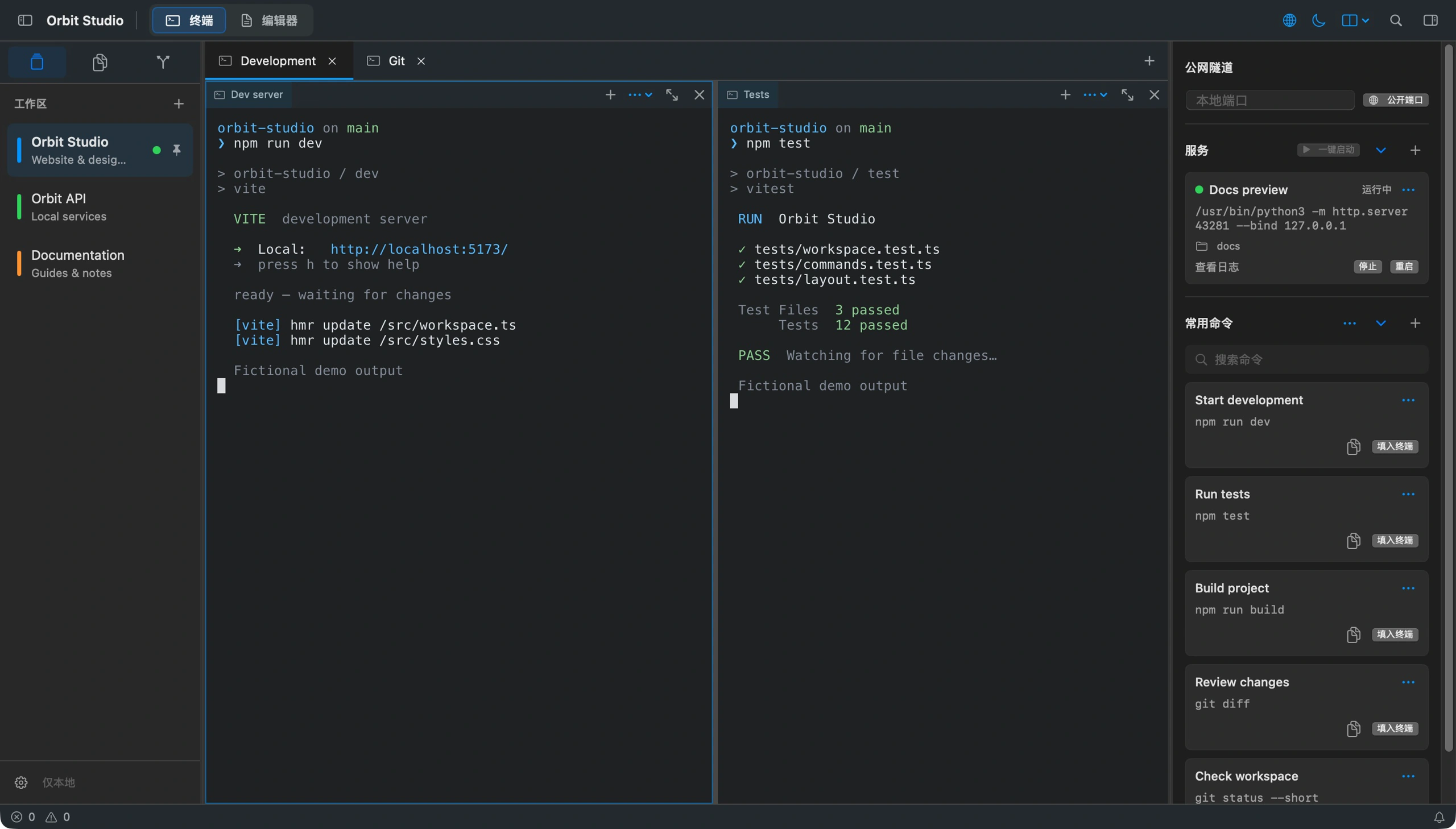
A native macOS editor built around the terminal, bringing project workspaces, split terminals, files, Git, saved commands, and background services into one window.
Project overview
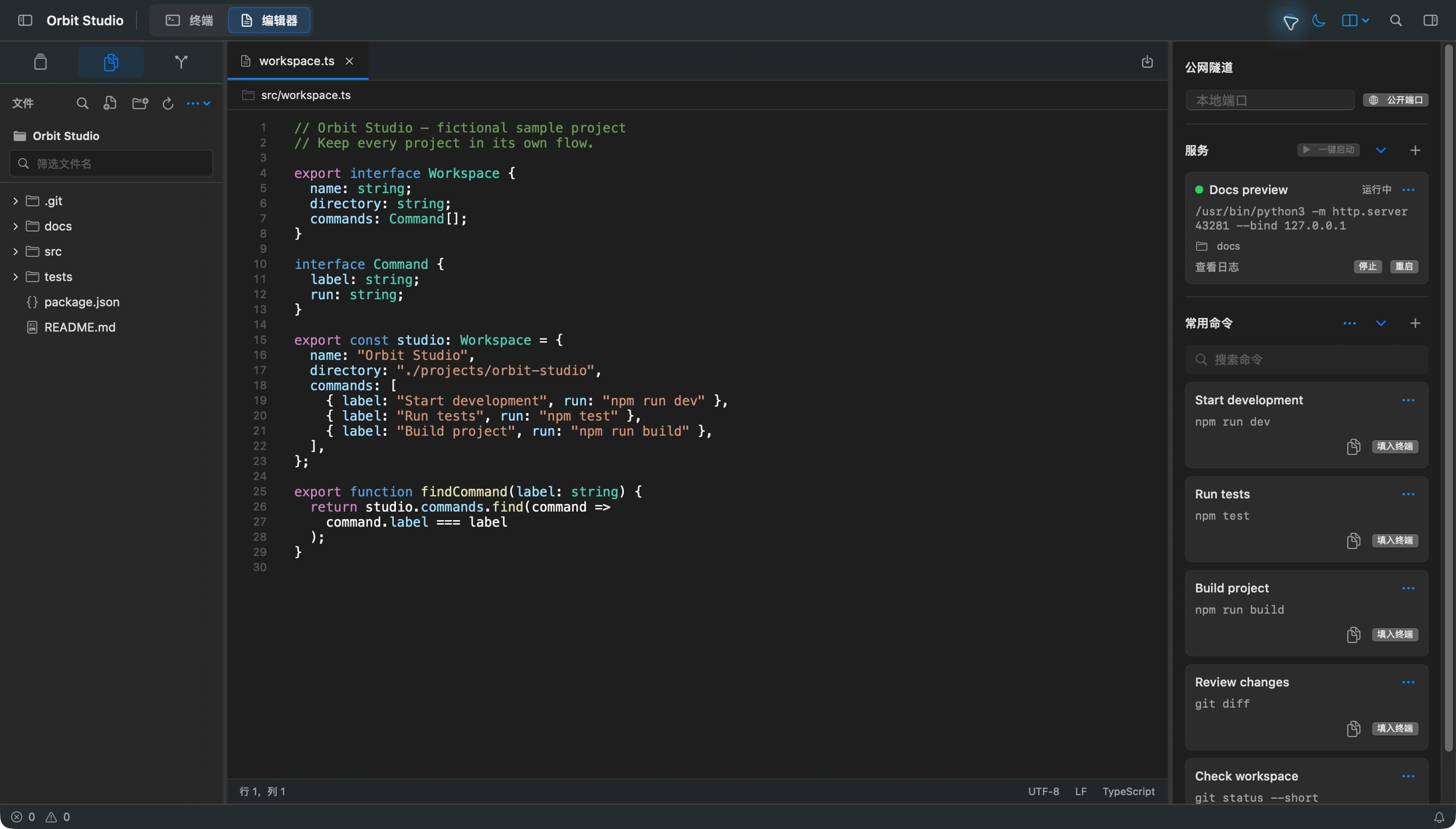
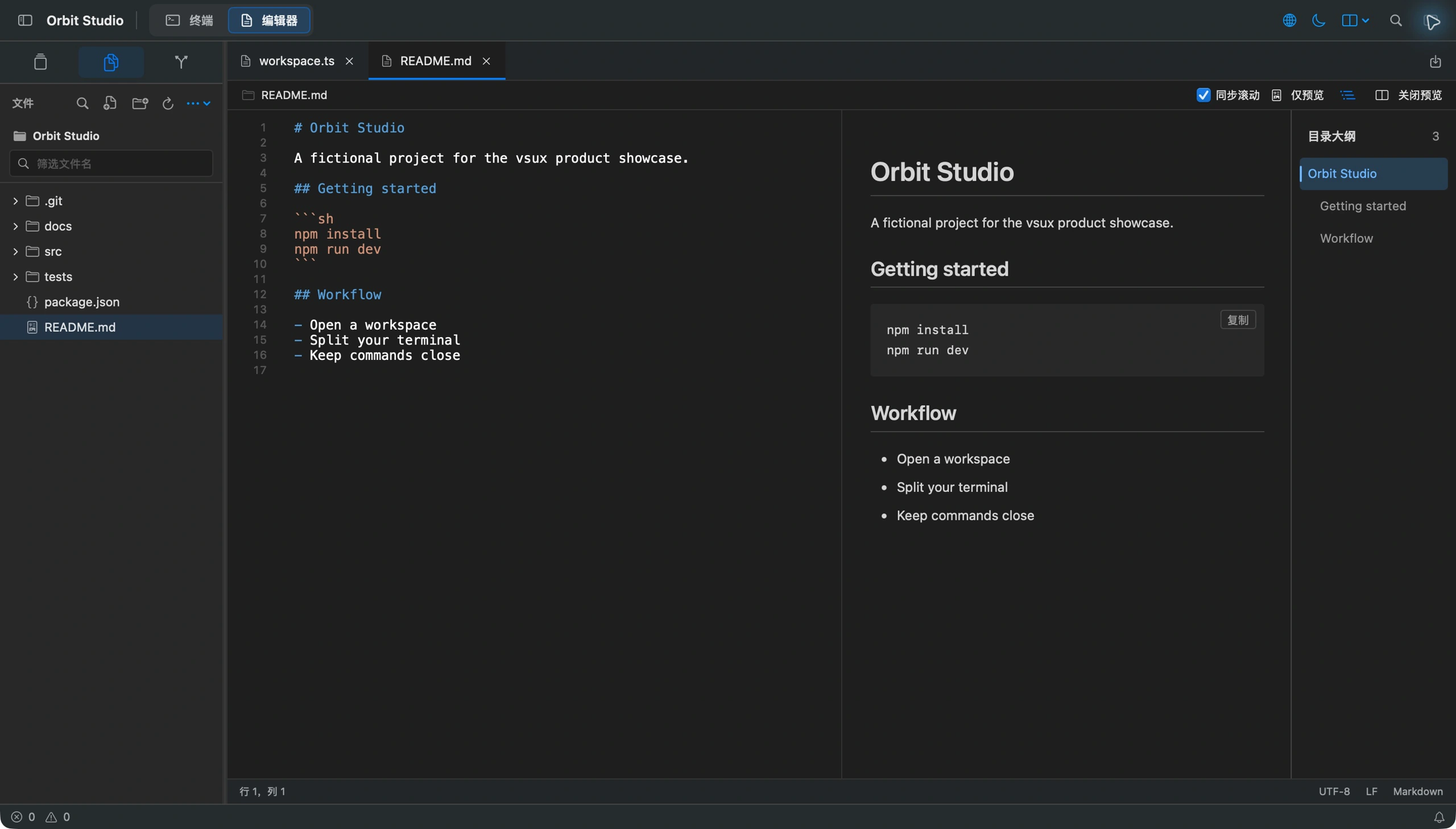
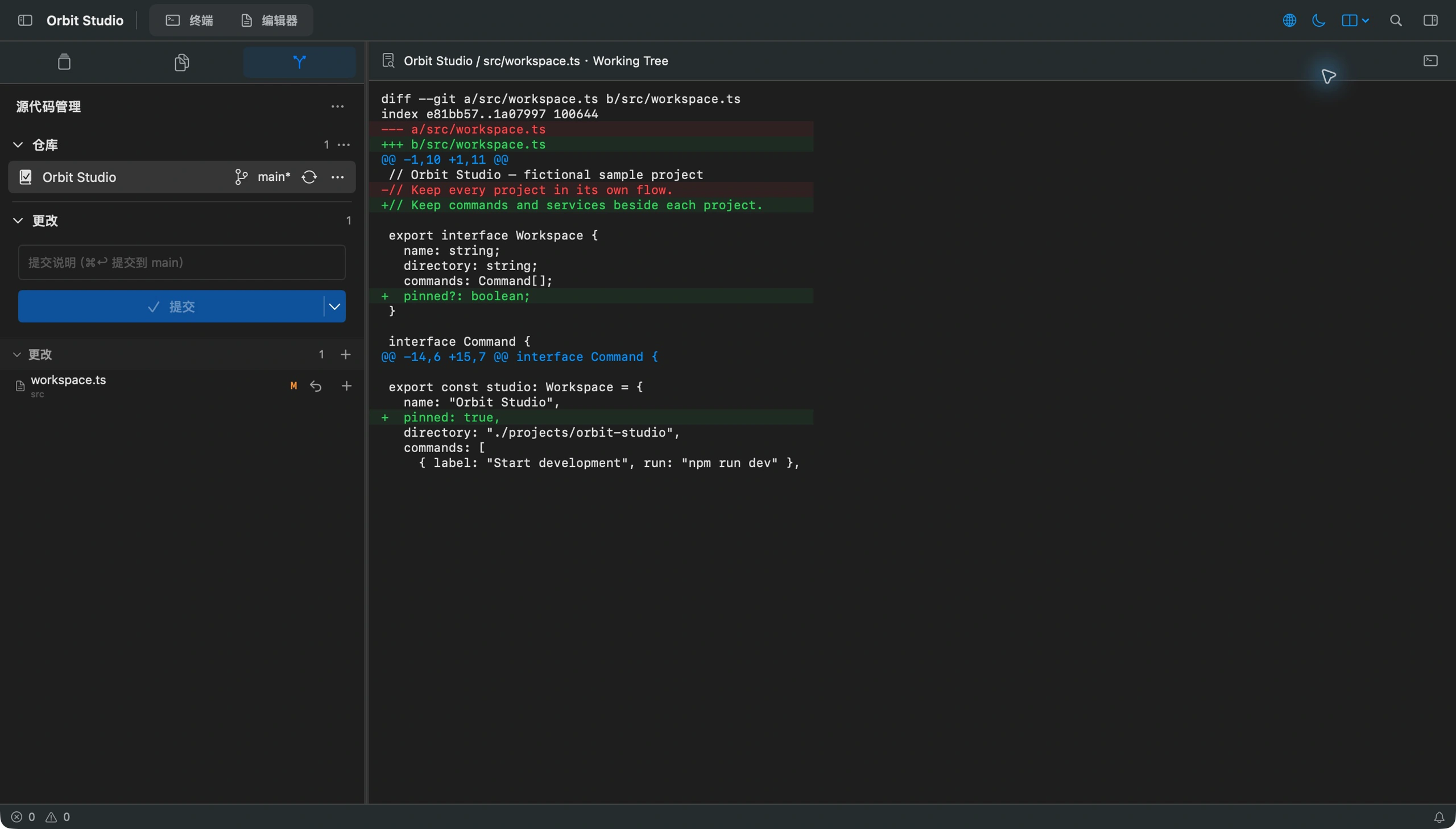
Built for working on several projects at once, vsux uses SwiftUI and AppKit for its native interface and Ghostty for terminal rendering and PTY support. Each project keeps its own terminal layout, saved commands, and background services, alongside file search, syntax highlighting, live Markdown previews, and Git diffs. The MIT-licensed app supports English and Simplified Chinese on macOS 14+ with Apple Silicon. You can run your preferred AI coding tools in its terminals.
Tech stack
Key features
Project workspaces and split terminals
A native macOS editor built around the terminal, bringing project workspaces, split terminals, files, Git, saved commands, and background services into one window.
File editing, Markdown previews, and Git
A native macOS editor built around the terminal, bringing project workspaces, split terminals, files, Git, saved commands, and background services into one window.
Saved commands and background services
A native macOS editor built around the terminal, bringing project workspaces, split terminals, files, Git, saved commands, and background services into one window.
Project screenshots